Viewing Past Training Events
The Training >Training Events window displays a list of all past and planned training events for a selected competency.
Optionally, select a category in the upper-left window. The competencies list in the lower-left window will display only the competencies in that category.
Next, select a competency. The main window will display a list of all training events for that competency:
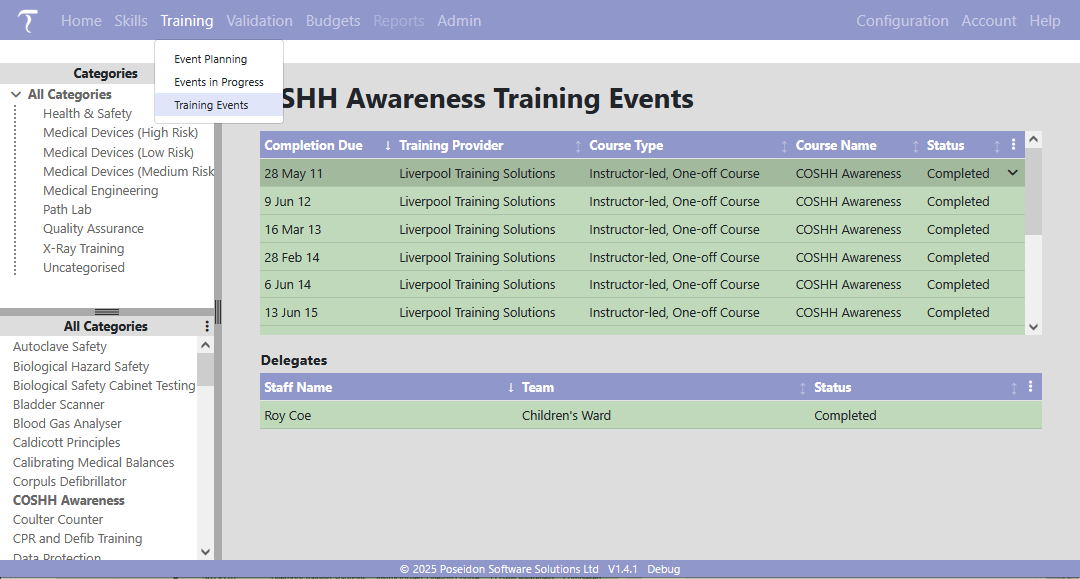
Click on the event you are interested in to see a list of delegates for that event, displayed in the Delegates list below the Events list.
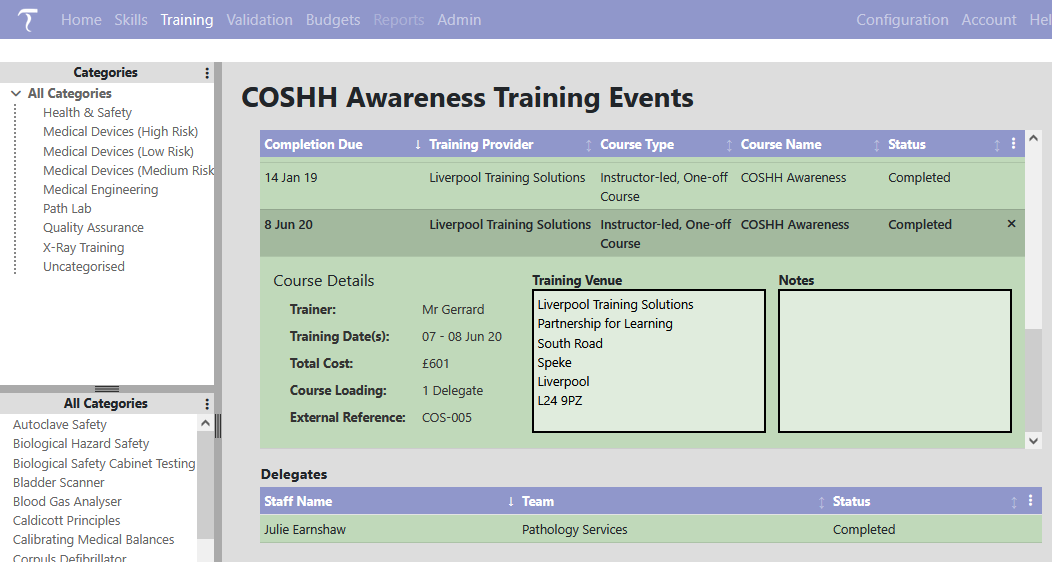
To see more details of the event, click on the drop-down arrow at the right of the row: